Vercel Marketplace Integration
Today, we're excited to announce the Vercel Marketplace Integration. Create and manage a Resend account directly from the Vercel dashboard or the Vercel CLI.
Many builders, creators, and developers today deploy projects on Vercel. The integration makes it easy to get started with Resend without leaving your Vercel workflow and centralizes your billing within Vercel.
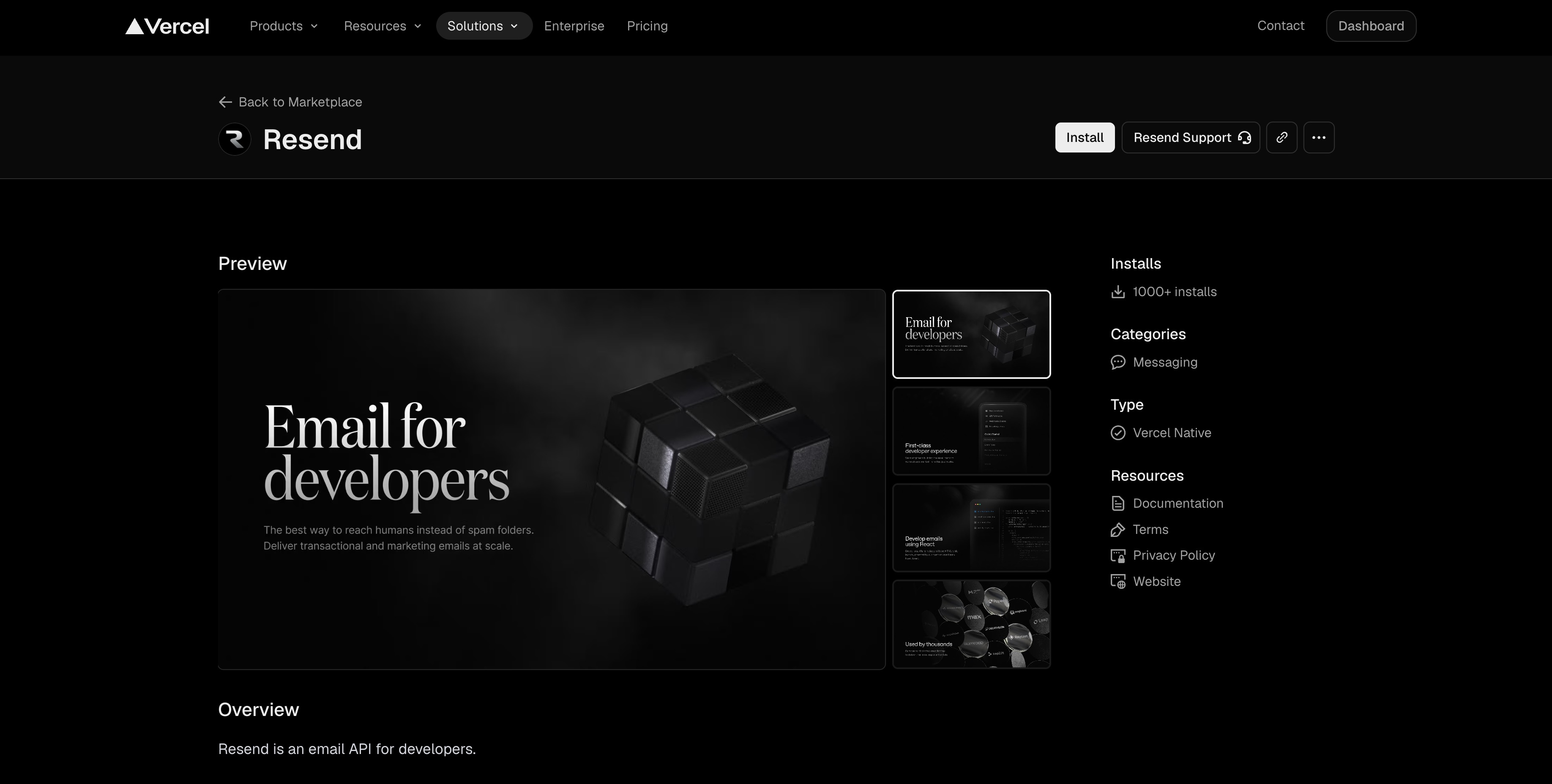
Email for developers, now one click away.
What's new
- Create a Resend account directly from the Vercel dashboard or the Vercel CLI
- A Resend API key is added to your Vercel project's environment variables
- DNS for Resend is automatically configured through Vercel
- Billing is managed through Vercel
Prerequisites
Before beginning, you'll need two items:
- A Vercel account with a project.
- A domain purchased through Vercel.
How to get started
The integration connects Resend to an existing domain purchased through Vercel.
1. Install the integration
You can install the integration from the Vercel dashboard or the Vercel CLI.
To install from the dashboard, navigate to the Resend Integration page.
To install using the Vercel CLI, run:
vercel integrations install resend
2. Authorize the integration
Walk through the authorization process:
- Connect your Vercel domain.
- Select your desired Resend plan.
- Authorize the integration.
3. Connect and verify
The integration can automatically add the required DNS records to start sending from your new Resend account. To direct the integration, follow these steps:
First, connect the integration to a Vercel project.
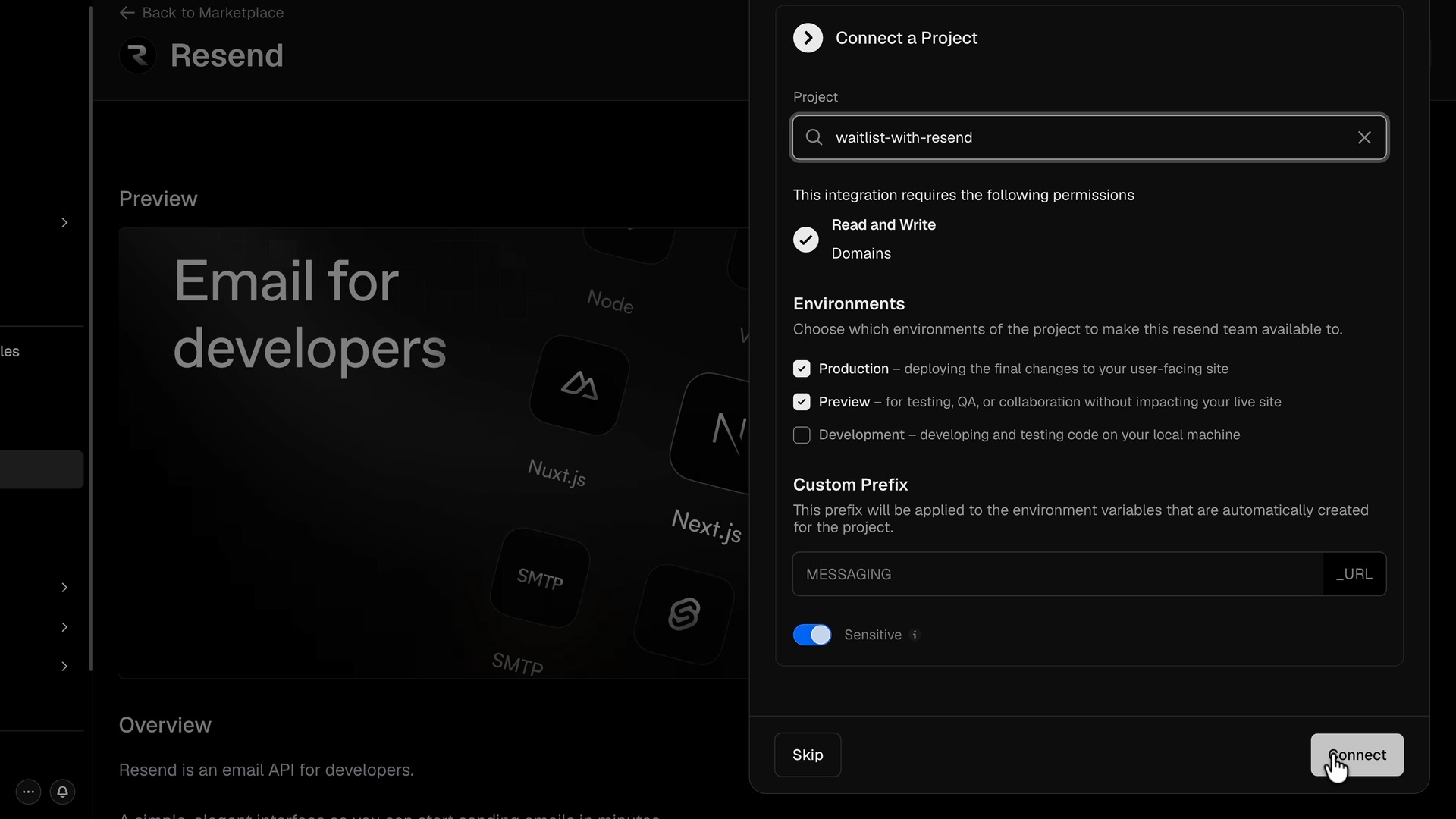
Finally, verify your domain within the Resend dashboard.
Empowering developers
Our goal is to empower developers to ship quickly with confidence, taking care of the busy work so they can get back to building the projects they love.
This new integration makes it even easier for Vercel users to get started with Resend, and we can’t wait to see what you do with it.
For more help, view our Vercel Marketplace Integration docs.